0800 010 6912 info@codekids.org.uk Mon–Fri · 9am–6pm
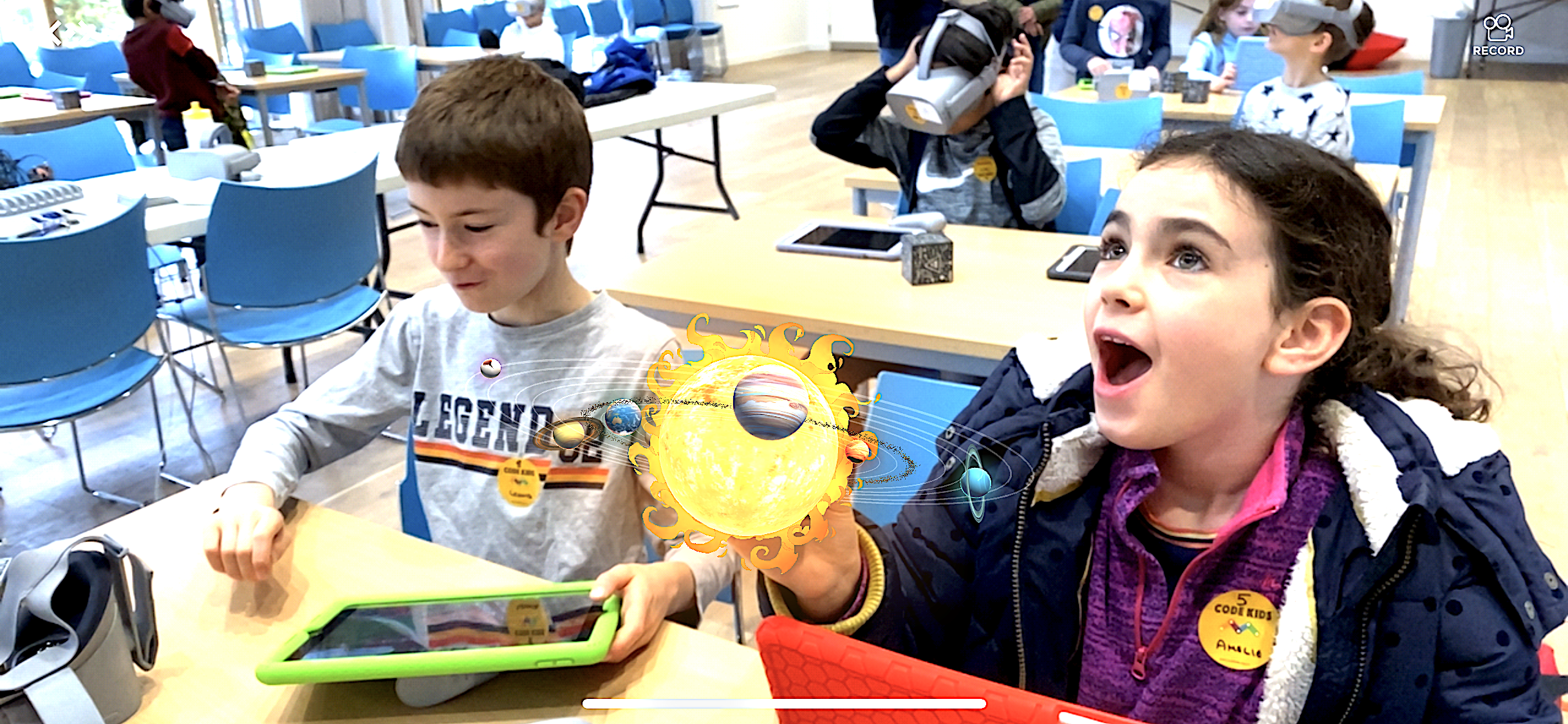
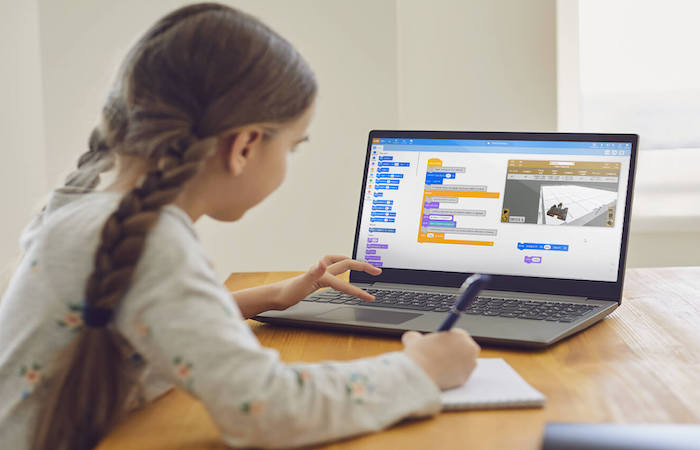
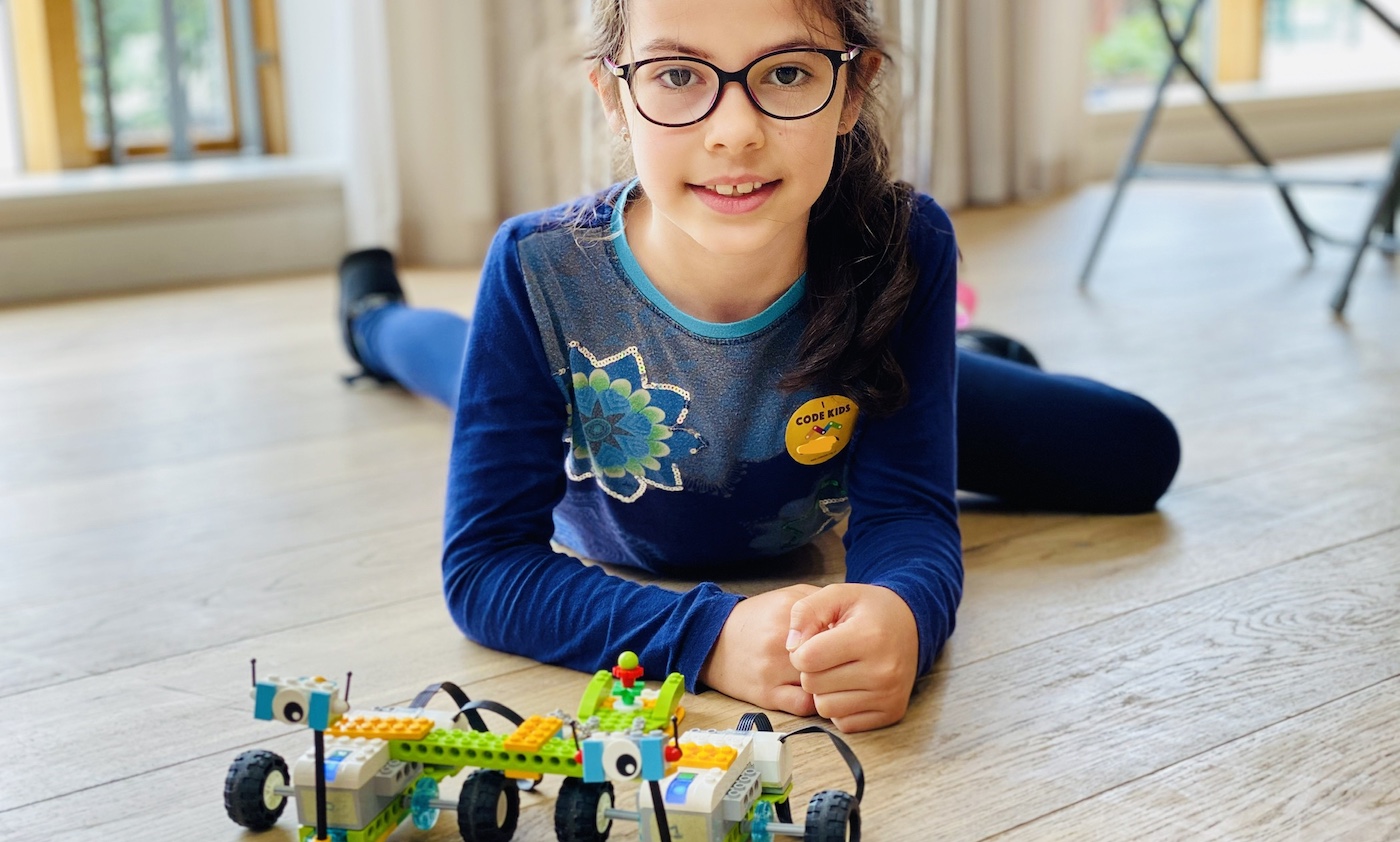
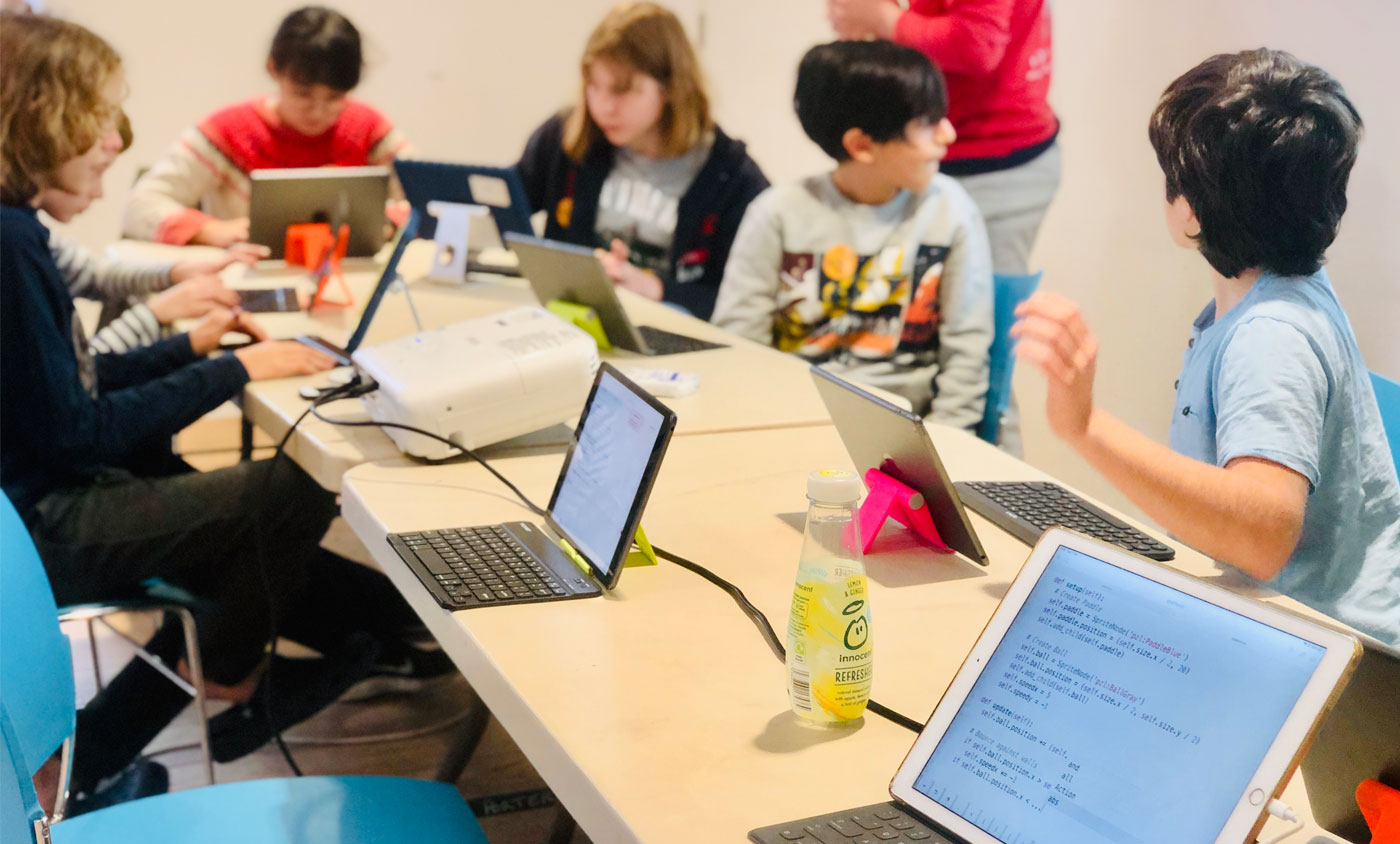
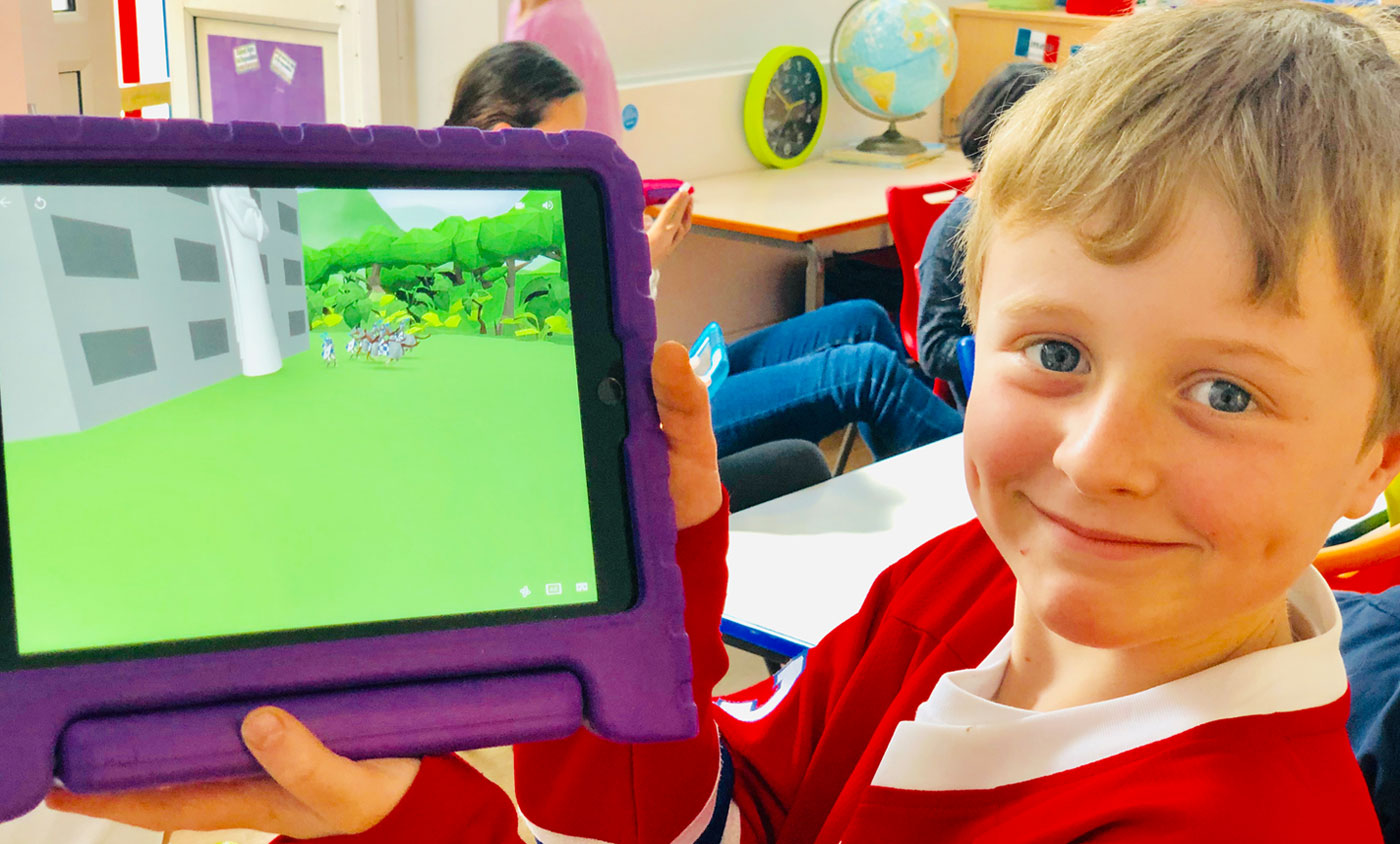
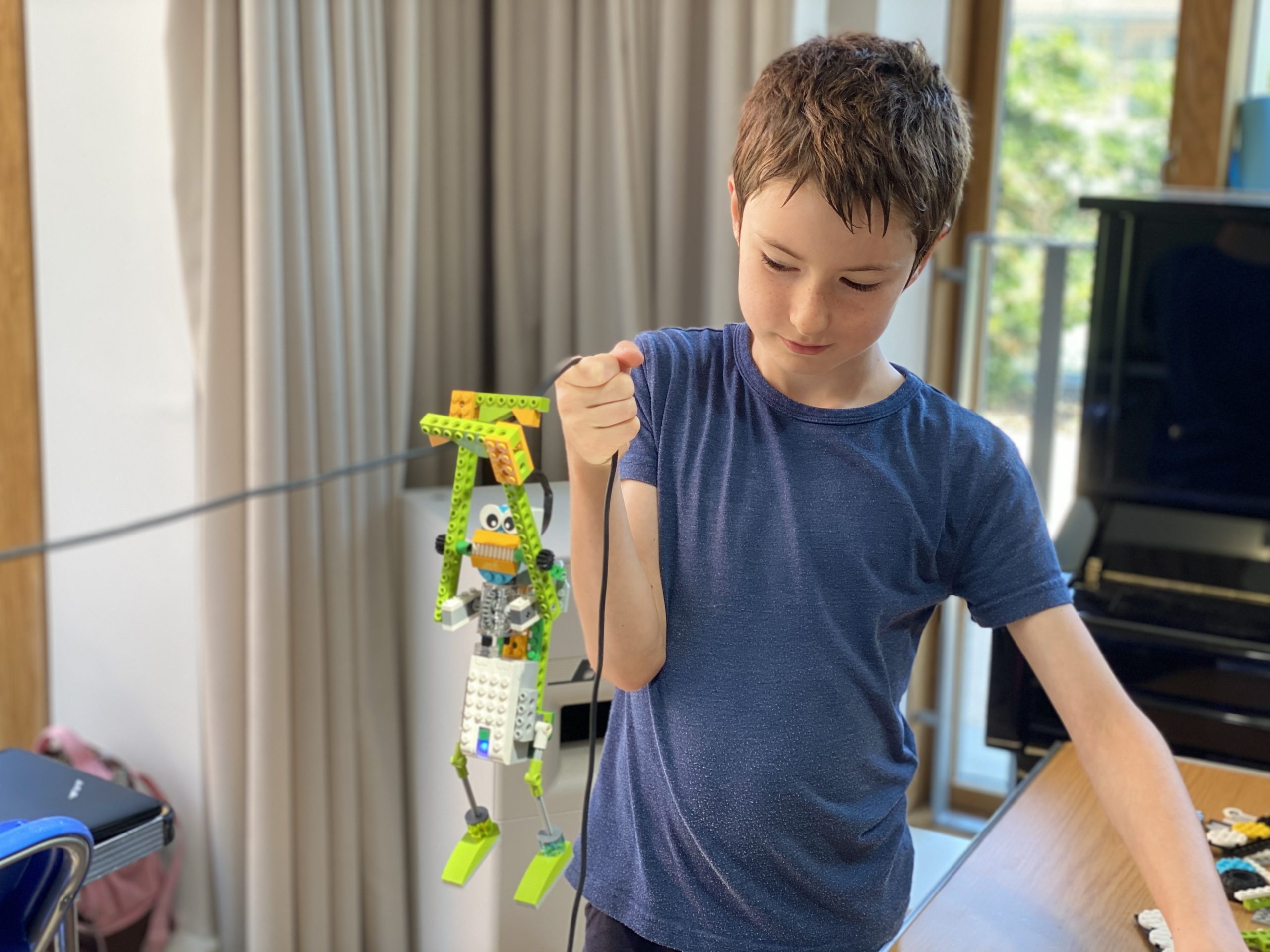
Children in a Code Kids robotics class
Real code, real projects
Python · Scratch · Roblox
# week 3 · hero.py
def build_robot():
    return "awesome"
// NOW BOOKING · SUMMER TERM 2026

Where curious kids
learn to build with code

Live small-group classes in Minecraft, Python, Roblox & AI for ages 7–14. Expert teachers, real projects, and the kind of lessons your child will actually talk about at dinner.

5 / 5 on Google100+ reviews
BBC
BBC featuredAs seen on BBC
60k
60,000+ studentstaught worldwide
Book now · Spring & Summer 2026
Where to code

Choose your location —
where do you want to code?

Pick a venue near you or join live from anywhere in the UK. Each location runs its own timetable.

Chelseas
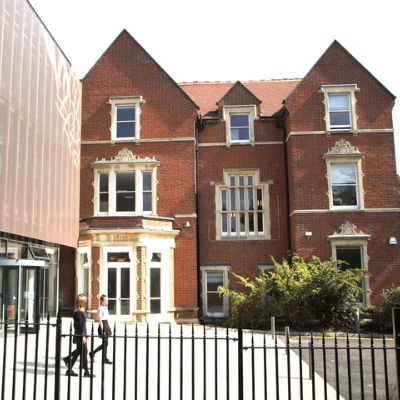
Chelsea Community Schools
Next startSat 26 Apr
When Sat mornings
Scratch 7-8 Python 10-11
Visit site
Live online · UK-wide

Small-group live classes with real teachers. Zero commute — just log in and build.

Scratch Starters
Ages6-8
WhenSat 9:30am · 8 wks
StartsSat 26 Apr
View course →
Parent reviews

What families are saying about us

Reviews from Trustpilot & Google — unedited, from real families.

"
★★★★★
The staff were friendly, informed and motivating. My child is not normally motivated at school but went to these beginner Python sessions light of foot and open-minded each day.
"
★★★★★
My son just attended his second holiday camp and absolutely loved it. The course seems so well structured with the right amount of freedom to be creative. The staff are energetic, enthusiastic and super kind.
"
★★★★★
Since joining the Minecraft Coding club, I've noticed my children's relationship to games has changed — they want to create their own worlds and understand how things work behind the scenes. They loved it so much they asked to join the half-term sessions too.
"
★★★★★
My daughter not only enjoyed creating her own game but kept playing it even after the half term. She also loved building the Lego robot and making an animation film with sound effects. Best and most different holiday experience we've had!
★★★★★
5.0 / 5 · Rated by 100+ verified parents
Trustpilot reviews Google reviews
About Code Kids

A coding school built by a parent, taught by real teachers.

Code Kids started in 2016 when our founder, Samia, couldn't find a coding class for her own children that felt rigorous, joyful and properly taught.

A decade on, we're the school she wished had existed — small group classes, experienced tutors who are actual developers and teachers (not gap-year students), and a curriculum that takes children from their first block of Scratch all the way to shipping real Python, Unity and Roblox projects. Every class is built around one idea: kids learn best when they're making things that matter to them.

60,000+ Children taught since 2016
~1:6 Typical teacher-to-student ratio
4.9★ Average parent rating
Samia, Code Kids founder, teaching two children hands-on with LEGO robotics and a tablet Real teachers · Real sessions
Samia, founder of Code Kids
Samia Founder & Lead Teacher
Every child has an inventor inside — we help them find it.
How it works

See what your child will actually build

Real projects, real code, real results. Pick a course to see the journey week by week.

01
Level 1
3D Coordinates & the World
Discover how every block in Minecraft has an X, Y, Z address. Use MakeCode to teleport to exact positions and place blocks by coordinate.
3D coordinates MakeCode
3D coordinatespos(x,y,z)MakeCode
02
Level 2
Spawning Mobs & Controlling Behaviour
Spawn animals and monsters at specific positions. Attach events to control what they do — move, attack or follow the player.
Mob spawning MakeCode
Mob spawningEventsBehaviour
03
Level 3 Midpoint!
Loops & Conditionals
Use for-loops to build towers instantly and if/else to test conditions. Coding logic clicks when walls appear in seconds.
Loops and conditionals MakeCode
for loopsif/elseModulo
04
Level 4
Variables & Arrays
Store scores in variables, keep lists of block types in arrays. Kids learn how programs remember and manage data.
Variables and arrays MakeCode
VariablesArraysData types
05
Level 5 🎉 Final project
Their Own World — Presented to Parents
A complete Minecraft Education world: custom terrain, spawning mobs, working traps and a story — built entirely with their own MakeCode program.
Final project MakeCode
Full projectPresentationCertificate 🏆
Book Minecraft Coding → Ages 7–11 · Minecraft MakeCode · Holiday camps & Weekday evenings
01
Level 1
Hello, Python!
Write your first lines of real Python. Learn about variables, strings and the print function.
hello.py
name = "Emma"
print(f"Hello, {name}!")
# Hello, Emma!
VariablesStringsprint()
02
Level 2
Loops & a Number Game
Use for loops and if/else to build a number guessing game from scratch. First real program!
guess_game.py
for attempt in range(5):
  if guess == secret:
    print("You won! 🎉")
Loopsif/elseInput
03
Level 3 Midpoint!
Functions & a Quiz App
Define reusable functions and build a fully working quiz. Code is getting clean and professional.
quiz.py
def ask_question(q, a):
  ans = input(q)
  return ans == a
FunctionsReturn values
04
Level 4
Files & High Scores
Read and write files to save data between sessions. First taste of persistent storage.
highscore.py
with open("scores.txt") as f:
  scores = f.readlines()
# Save & load data!
File I/OLists
05
Level 5 🎉 Final project
A Working Text Adventure Game
A fully working, story-driven text adventure with choices, inventory and a custom ending they wrote themselves.
adventure.py
# 8 weeks = real project
game.play()
certificate.earned()
Full programCreative writingCertificate 🏆
Book Python Builders → Ages 9–14 · Python · Holiday camps & Weekday evenings
01
Level 1
What IS Artificial Intelligence?
Explore what AI really is — not robots, but patterns. Understand training data, bias and how models make decisions.
what_is_ai.py
# AI = patterns + data
model = train(data)
model.predict("cat")
AI conceptsTraining data
02
Level 2
Prompt Engineering
Learn to talk to AI like a pro. Craft prompts that get brilliant outputs — a skill no school teaches.
prompt.txt
You are a friendly pirate.
Explain gravity simply.
# Output: "Arrr, matey!"
PromptsContextTone
03
Level 3 Midpoint!
Build a Chatbot
Use a real AI API to build a chatbot with its own personality. Kids see their own creation respond intelligently.
chatbot.py
response = ai.chat(
  role="space explorer",
  msg=user_input)
API callsPersonas
04
Level 4
Image Recognition
Train a model to recognise objects from photos. Point a webcam at something — the AI names it.
vision.py
model = train(my_photos)
result = model.classify(img)
# "It's a cat! 95%"
Image AITrainingAccuracy
05
Level 5 🎉 Final project
Their Own AI-Powered App
Every child designs and presents their own AI-powered idea — a homework helper, a pet identifier, a story generator.
my_ai_app.py
# My idea + AI =
app.launch()
certificate.earned()
AI app designPresentationCertificate 🏆
Book AI Coding → Ages 9–14 · AI Coding · Holiday camps & Weekday evenings
01
Level 1
Build Your First Robot
Assemble the LEGO SPIKE Prime base robot. Understand how motors, sensors and the hub connect — and make it move for the first time.
Build your first LEGO robot
Motor controlAssemblySPIKE Prime
02
Level 2
Sensors & Reactions
Use colour and distance sensors to make the robot react — stop before a wall, change direction on colour.
LEGO SPIKE robot with sensors
Distance sensorColour sensorif/else
03
Level 3 Midpoint!
Loops & Line Following
Build a line-following robot using loops. It navigates a track autonomously — feels like real engineering.
SPIKE Prime programming blocks
While loopsLine followingSteering
04
Level 4
Mission Challenges
Navigate a maze, collect objects, return to base. Kids plan, code, test and debug real engineering challenges.
Line following with colour sensor
FunctionsDebuggingPlanning
05
Level 5 🎉 Final project
Custom Robot — Present to the Class
Kids complete a custom mission robot, present to the class, and take home a certificate and printout of their code.
Two boys celebrating their LEGO robot
Full buildPresentationCertificate 🏆
Book Lego Robotics → Ages 7–12 · LEGO SPIKE Essentials & SPIKE Prime
01
Level 1
3D Modelling Basics
Open Blockbench and build your first 3D model using cubes, scaling and rotation. No art experience needed.
Blockbench 3D model UI
3D modellingBlockbench
02
Level 2
Custom Textures & Pixel Art
Paint your model pixel by pixel in Blockbench's texture editor. Give your mob a unique look from your own design.
Blockbench texture painting UI
UV mappingPixel artTextures
03
Level 3 Midpoint!
Rigging & Animation
Add bones and joints, then animate a walk cycle and idle pose. Your mob visibly comes to life inside Minecraft.
Blockbench animation rigging UI
RiggingKeyframesAnimation
04
Level 4
Behaviour Packs & Entity Rules
Write JSON behaviour files controlling how your mob acts — what it eats, how it fights, what it drops. Coding meets design.
entity.json · Behaviour Pack
"minecraft:health": {
  "value": 20,
  "max": 20 }
JSONBehaviour packsEntity rules
05
Level 5 🎉 Final project
Their Custom Mob — Live in Minecraft
A fully custom mob — modelled, textured, animated, with behaviour — existing inside a real Minecraft world. Presented to parents.
my_mob.bbmodel · Blockbench
// Custom mob complete:
model.exported
certificate.earned()
Full custom mobPresentationCertificate 🏆
Book Minecraft Modding → Ages 9–14 · Blockbench · Weekday evenings
01
Level 1
Roblox Studio Basics
Navigate Roblox Studio, place and anchor parts, change colours and materials. Build your first 3D scene from scratch.
Roblox Studio interface with FPS game
Roblox StudioParts3D scenes
02
Level 2
Properties, Effects & Materials
Use the Properties panel to change BrickColor, Transparency, Reflectance and Material. Add particle effects and lighting to bring scenes to life.
Roblox Studio Properties panel
Properties panelEffectsMaterials
03
Level 3 Midpoint!
Your First Lua Script
Write real Lua code to make parts move, glow and react to touch. The moment YOUR code moves a block is unforgettable.
script.lua · Roblox Studio
local part = script.Parent
part.Touched:Connect(
  function() part.Anchored = false end)
Lua scriptingEventsFunctions
04
Level 4
Game Logic & Win Conditions
Use variables and if/else to build a real game loop — collect coins, track a score, trigger a "You Win!" screen.
game_logic.lua · Roblox Studio
local score = 0
if score >= 10 then
  endGame("You Win!")
Variablesif/thenGame loops
05
Level 5 🎉 Final project
Publish Their Own Roblox Game
Every child publishes a fully playable Roblox game live on the platform — shareable with friends and family worldwide. Certificate included.
my_game.lua · Published!
-- My game is live:
game.published
certificate.earned()
Full Roblox gamePublished liveCertificate 🏆
Book Roblox Creator → Ages 10–13 · Roblox Studio · Game creation & Lua scripting
Questions & Answers

Everything parents ask before booking

From outcomes and safeguarding to schedules and refunds — here's the honest detail, in parents' own words.

// 01

The questions parents ask first

What will my child actually walk away with?

Concrete, finished projects they can show you — not just a certificate. Depending on the course, your child will leave able to:

  • Build and code their own Minecraft or Roblox game from scratch
  • Program a Sphero or LEGO robot to complete real-world challenges
  • Write working Python programs — the language used by Google, NASA and Netflix
  • Design and build a simple app or website
  • Think through any problem — tech or otherwise — in a logical, structured way

Every child leaves with a portfolio of real work. Many go on to win coding competitions, excel at GCSE Computer Science, and — more importantly — genuinely love problem-solving.

What if my child is shy, anxious or has never coded before?

Most of our students start as complete beginners, and a big chunk are naturally quiet or a bit nervous on day one. Our small class sizes (typically 6–8 children per instructor) mean no one gets lost in the crowd, and our tutors are experienced at drawing children in at their own pace.

My child is under 7 — are they too young?

We take rising 7s as our standard minimum age. The day is fun but the learning is genuinely intense, so we ask that children are able to follow instructions and work fairly independently.

That said, every child is different. If your child is a little younger but you think they'd get a lot out of it, talk to us — we do take younger students when they're ready, and we'll give you an honest view before you book.

My child already does coding at school — why pay for Code Kids?

School coding is usually one hour a week of Scratch, shared between 30 children, often taught by a non-specialist. It's a great introduction — but it rarely goes deep.

At Code Kids your child works in small groups with specialist tutors, using real tools (Python, robotics, game engines) on ambitious projects. They don't just tick a curriculum box — they build things they're proud of. Parents often tell us their child's confidence at school jumps noticeably within a term.

Is Code Kids suitable for children with SEND, ADHD, autism or dyslexia?

Yes — and many parents specifically seek us out for this reason. Coding and robotics suit a lot of neurodiverse children beautifully: the logical structure, hands-on building, and clear cause-and-effect feedback of writing code often click in a way classroom learning doesn't.

Many of our tutors have experience with neurodiverse learners, and we match children carefully. Tell us about your child before booking and we'll make sure they're in the right group with the right tutor.

Do you offer a trial session?

We don't offer trial sessions — our courses are project-based and each session builds on the last, so a standalone taster wouldn't give your child (or you) a fair sense of what we do.

Instead, we offer something better: on the very rare occasions a child turns out not to be suited to a course, we'll issue a refund. Book with confidence.

// 02

The Code Kids Way

What makes Code Kids different from other coding clubs?

Two things: our tutors and our approach.

Our tutors are experienced professionals and educators — people who know the tech inside out and have the skill to build genuine rapport with children and inspire a love of learning. That combination is rare, and it's what parents tell us makes the biggest difference.

And we don't teach coding in a vacuum. Every project is rooted in a real-world theme — building Ancient Egypt in Minecraft, recreating the Apollo missions, designing a sustainable city — and children write the code to bring these worlds to life. They're not just learning syntax; they're learning to design, plan, build and solve problems the way real engineers and scientists do.

How does this future-proof my child?

Languages and platforms change — how you think doesn't. Your child will leave Code Kids able to tackle an unfamiliar problem, work out what's actually being asked, break it down into manageable pieces, and solve it step by step.

That skill transfers directly to computing, engineering, science, maths — and, frankly, to every job that will exist in 20 years. We teach coding because it's the best tool in the world for learning how to think clearly.

What do you actually teach?

Real tools, real skills — delivered through platforms kids love:

  • Python — the world's most in-demand programming language
  • Block-based coding — for younger beginners building foundations
  • Minecraft & Roblox game design — coding their own games and worlds
  • Sphero robotics — programming real robots to solve challenges
  • LEGO robotics — building machines from scratch and coding them, developing innovation and out-of-the-box thinking
  • AI concepts — understanding how modern AI works and how to use it responsibly
  • App and web development — for more advanced students
Who actually teaches the classes?

Experienced professionals and educators — a mix of qualified teachers, Computer Science graduates and industry developers. Every tutor is enhanced DBS-checked, safeguarding-trained, and selected for something just as important as technical skill: the ability to connect with children and make learning genuinely fun.

We don't use gap-year students or untrained volunteers. Your child is learning from people who know both the tech and how to teach it.

What's the student-to-teacher ratio?

Small groups — typically 6–8 children per tutor — so every child gets attention and support. No one gets left behind and no one gets bored waiting.

Can I speak to my child's tutor?

Yes — parents can speak to tutors at any time. We believe the best outcomes come from open communication between parents, tutors and the Code Kids team. Whether you want a quick chat about how your child is getting on, or have a specific concern to raise, just ask and we'll arrange it.

How can I stay in touch during a camp?

All our camps use our private Code Kids messaging app — a secure, direct channel between parents and the Code Kids team. You can send a quick message about pickup timings, dietary changes, or anything else, and we'll reply fast. No more waiting on hold or wondering if an email was seen.

// 03

Holiday Camps — In Person

Full-day camps at our venues across London and the home counties. Children dive into a themed project across the week — building Ancient Egypt in Minecraft, designing a city in LEGO robotics, or creating a multiplayer Roblox game — with plenty of time for team challenges, breaks and social interaction between coding sessions.

What times do in-person camps run?

Camps start at 10am and finish at 3pm or 4pm depending on the venue and age group. Early drop-off and late pick-up options are available at most locations.

What's included in the day?

Structured coding and robotics sessions, hands-on team projects, breaks for lunch and snacks, and end-of-camp showcases where children demo what they've built to parents.

All equipment and software is provided — including:

  • iPads and laptops pre-loaded for each child
  • Licensed software — Minecraft Education, Roblox Studio, Python environments, Blockbench and more
  • Robotics kits — LEGO SPIKE Prime and Sphero robots
  • All project materials, worksheets and take-home certificates

Parents just bring the child and the packed lunch — we handle the rest.

What does my child need to bring?

A nut-free packed lunch, a water bottle and enthusiasm. We supply everything else.

What ages are in-person camps for?

Camps run for ages 6–14, grouped by age and ability so every child is appropriately challenged and working with peers at a similar level.

My child loved a camp — what's next?

Most children who come to a camp go on to join our term-time classes to keep building on what they've learned. We'll send you a personalised recommendation after your child's camp based on what they enjoyed most.

// 04

Holiday Camps — Online

Focused, intensive online camps that cover the same curriculum as our in-person camps — just delivered in a shorter, more concentrated format. Perfect for families who can't travel to a venue or prefer learning from home.

What times do online camps run?

Online camps run 9am to 12 noon each day. Shorter than in-person camps, but laser-focused — children cover the same material in a more intensive block.

How is online different from in-person?

The coding content is identical. The difference is pace and style: online is concentrated and focused — ideal for children who thrive with deep, uninterrupted work. In-person has more time built in for social interaction, team-based projects and collaborative builds.

What does my child need for online camps?

A laptop or desktop computer with a stable internet connection, a webcam and a quiet space to work. We'll send software instructions ahead of the camp.

Are online camps properly supervised?

Yes. All sessions run on secure platforms with a qualified, DBS-checked tutor present throughout, cameras on for all participants, and clear behaviour expectations. Parents are welcome to sit in at any time.

// 05

Term Time Classes

Weekly classes that run alongside the school term — a steady rhythm of learning where children build skills progressively across half-term blocks. Available both in person and online.

How are term time classes structured?

Classes run weekly for 60–90 minutes, grouped into half-term or full-term blocks. Each block works toward a project outcome — a finished game, a programmed robot, a working app — so children always have something tangible to show for their learning.

In-person or online — which is better?

Both teach the same material. In-person suits children who learn best through collaboration, team projects and social buzz. Online suits children who focus well independently and want a more intensive, distraction-free session.

Can my child join mid-term?

Yes. Our curriculum is designed so new students can join at any point and quickly get up to speed. We'll make sure they're settled in.

Does my child need to practise at home?

No homework is required — most of our families wouldn't have time for it anyway. But many children get hooked and want to carry on at home. We share project files and suggestions so they can tinker between sessions if they want to.

What if my child misses a week?

No problem — we share session recaps and project files so your child can catch up easily. Tutors are also happy to give a quick refresher at the next session.

// 06

School Clubs

We partner with primary and secondary schools to run before-school, lunchtime and afterschool coding and robotics clubs on site. A turnkey enrichment programme — we bring the curriculum, the equipment and the qualified tutors; the school provides the room.

Does Code Kids run a club at my child's school?

We run clubs at schools across London and the home counties. Check our locations page, or ask your school office — many schools book our clubs directly, and we can always approach a new school on your behalf.

How can I get Code Kids into my child's school?

Get in touch and we'll contact the school directly. We handle everything — curriculum, risk assessments, equipment, DBS-checked staff — so schools can say yes without adding workload to their team.

What do school clubs cover?

The same high-quality curriculum as our external classes — Python, Minecraft, Roblox, Sphero and LEGO robotics — tailored to the time slot available (typically 45–60 minutes) and grouped by age.

// 07

Safety & Safeguarding

Are your staff DBS-checked?

Yes — every tutor is enhanced DBS-checked and safeguarding-trained. No exceptions.

How do you keep online sessions safe?

All online sessions run on secure platforms with cameras on, clear behaviour guidelines, and a qualified tutor present at all times. Parents are welcome to sit in whenever they like.

What about screen time balance?

Sessions are structured with regular breaks. In-person camps deliberately mix screen-based coding with hands-on robotics and unplugged team challenges, so children aren't staring at a monitor all day.

// 08

Booking & Payment

How do I book?

Head to our booking page, pick the course that fits your child, and check out online. Pricing for each course, camp and club is shown clearly at the point of booking. You'll get instant confirmation by email.

What's your refund policy?

Full refunds if you cancel more than 14 days before the course starts. After that, we'll credit your account or transfer your booking to another date where possible. And on the rare occasions a child turns out not to be suited to a course, we'll issue a refund.

Do you offer sibling discounts?

Yes — we offer sibling and multi-course discounts. Contact us and we'll sort it.

// 09

Progress & Outcomes

How will I know my child is progressing?

Parents receive regular progress updates, and children build a portfolio of real projects they can show off at home. You'll see the learning in action — not just hear about it.

Does this prepare my child for GCSE Computer Science?

Yes. Our classes build the Python, logic and computational thinking skills that underpin KS3 and GCSE Computer Science — giving students a significant head start when they reach secondary school.

My child already codes — do you have something more advanced?

Yes. Our advanced pathways cover Python, app development, AI and game design for students ready to push further. Get in touch and we'll find the right level together.

Still have questions?

Drop us a message and we'll get back to you as soon as possible. We love chatting to parents about what's right for their child.

As featured in & accredited by

Tweaks